Assets and datasets
Import images, video or cloud assets, organize source data by project, and prepare samples for annotation and training.
Import → Organize → Select samplesOrganize assets, annotations, dataset versions and training tasks in one project. Use AI to prepare data while keeping human review in the workflow.
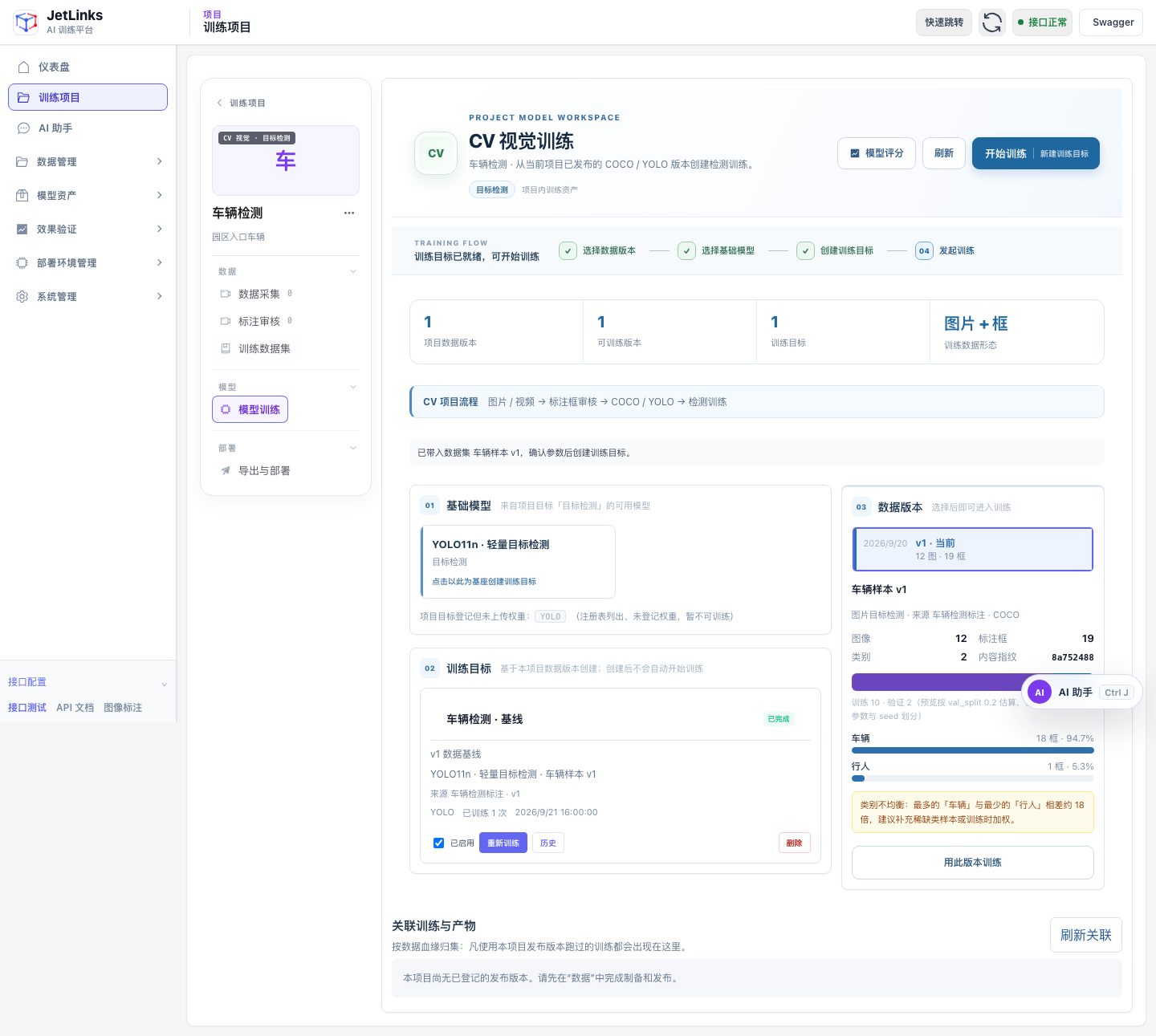
These features reflect the platform’s current project and task workflows. Models, resources and interfaces depend on project configuration.
Import images, video or cloud assets, organize source data by project, and prepare samples for annotation and training.
Import → Organize → Select samplesGenerate draft annotations with AI, refine rectangles and polygons in the editor, then review before publishing a dataset version.
Draft labels → Human review → PublishPrepare generated assets for a task and review candidate relevance. Keep generated samples separate from real test data.
Task description → Candidates → SelectionChoose a published dataset version and base model, create a CV or VLM training task, inspect evaluation results and export the model.
Version → Train → Evaluate → ExportAssisted annotation produces candidates that need review before publication. Training does not guarantee an improvement every time; compare results on independent test data when selecting a model version.
See the training workflowStart with your data and your task.
Access is limited to invited test accounts. Sign in to an empty personal workspace; data pipelines and training execution are not connected yet.
Tell us which product you need, your current equipment and the problem you want to solve.